RailCom
In this tutorial you will create an event-driven script that automatically stops any train in front of a red signal. Using RailCom, the script detects which vehicle is on the sensor and acts on it — no manual vehicle selection needed.
What you'll need:
- A Z21 command station with RailCom-capable feedback (LocoNet or CAN bus)
- A signal configured as an accessory
- A RailCom-capable decoder in your locomotive
1. Layout
Start in the layout editor with a simple track, a signal, and a feedback sensor.
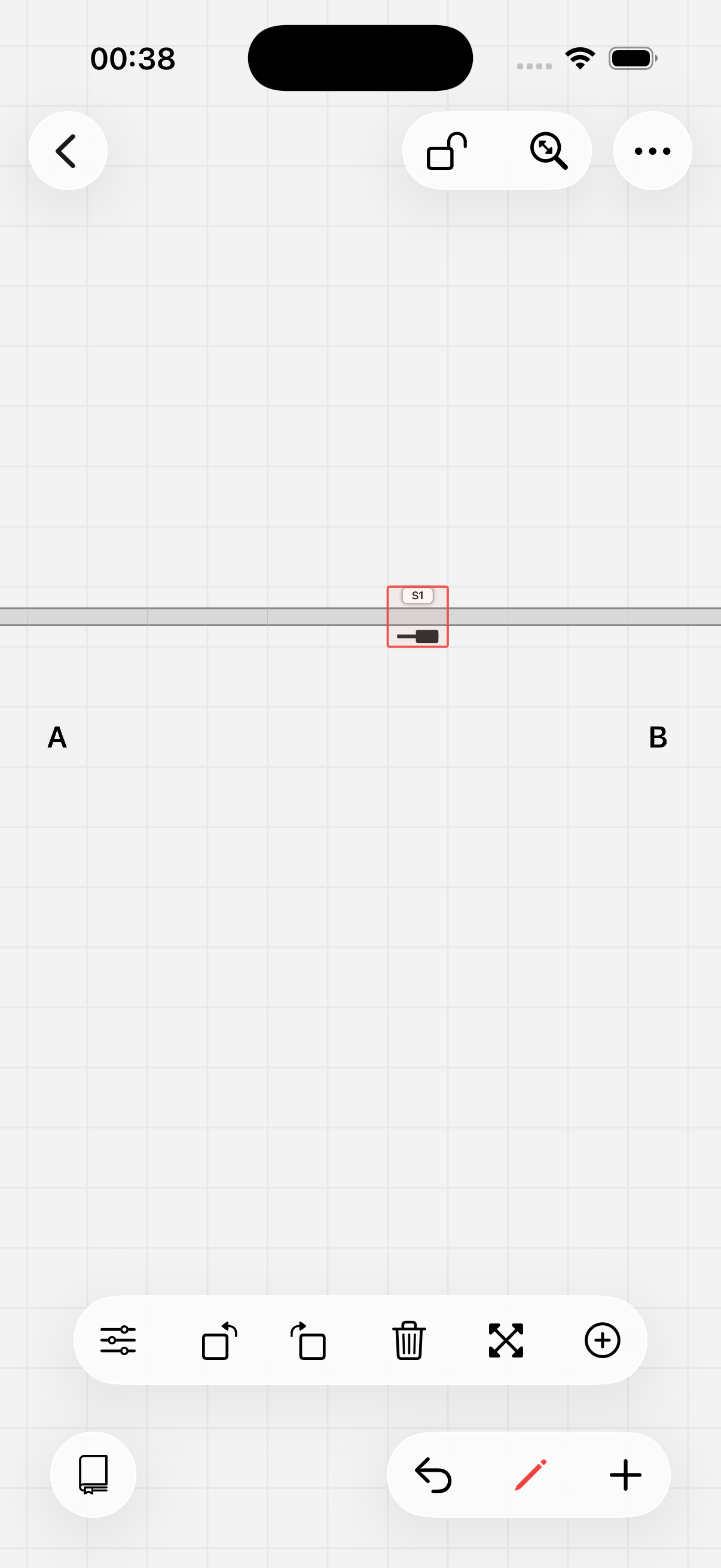
The train comes from A, drives towards B, and passes signal "S1" along the way. Before the signal, we place a sensor with RailCom support — in this case using the CAN bus of the Z21 with address 1, port 1.
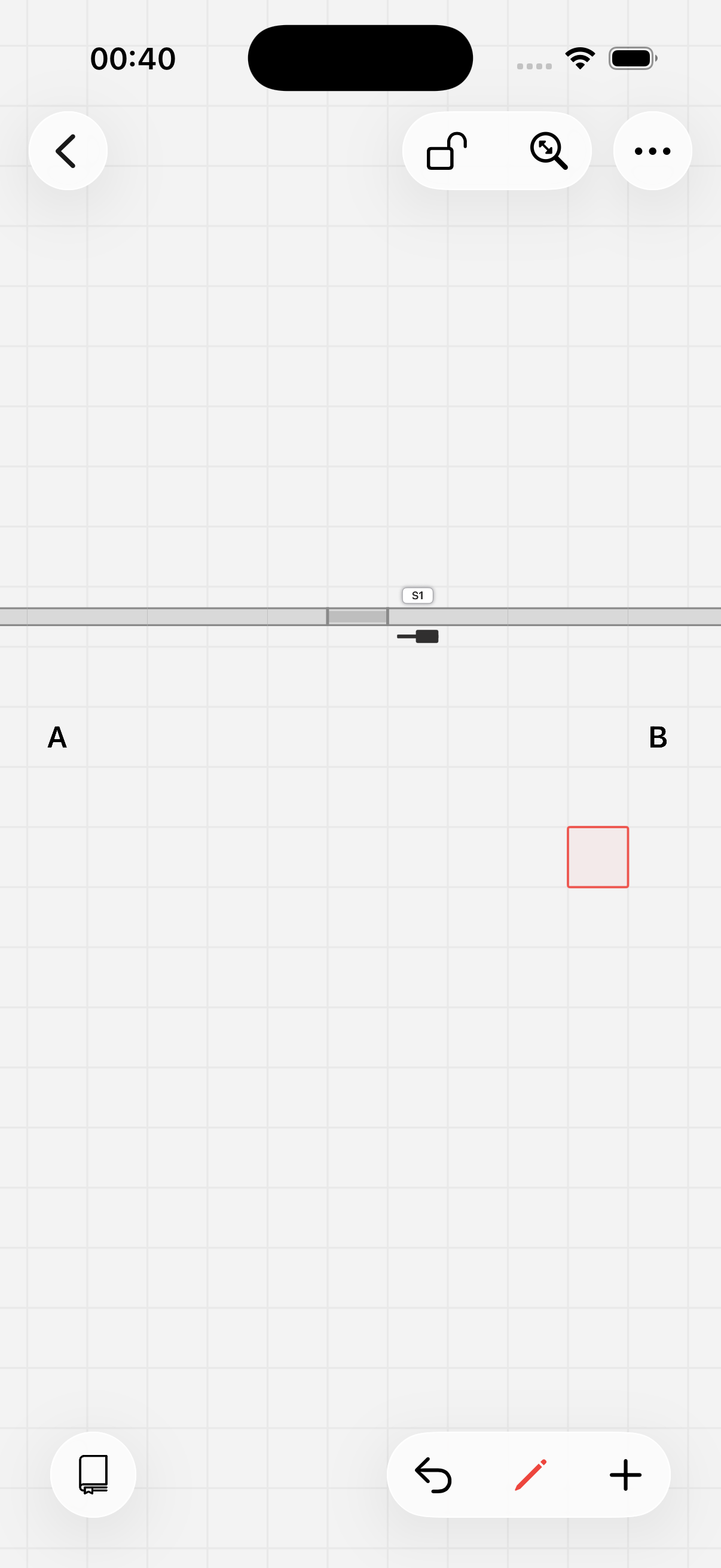
The layout is ready.
2. Script
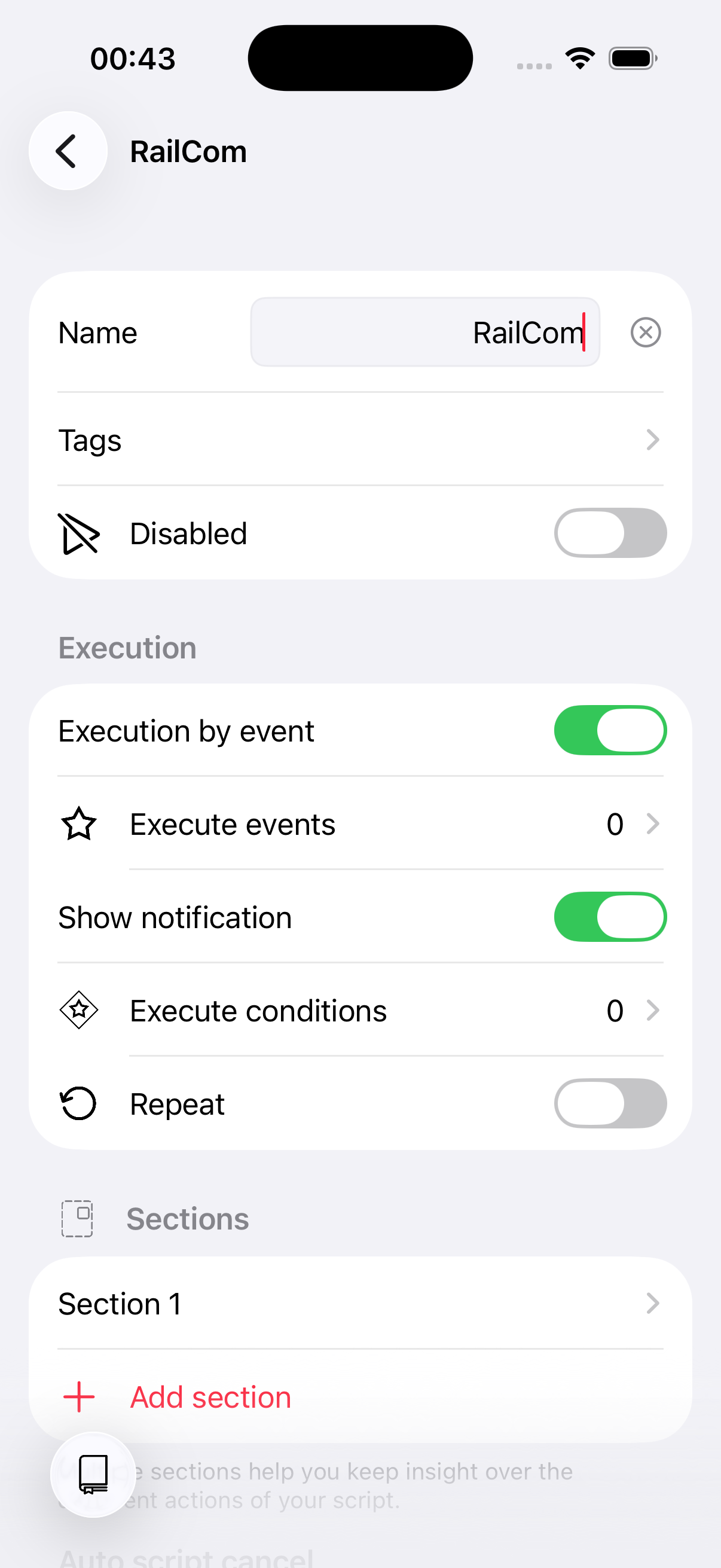
Create a new script and set it to be triggered by an event instead of running manually.
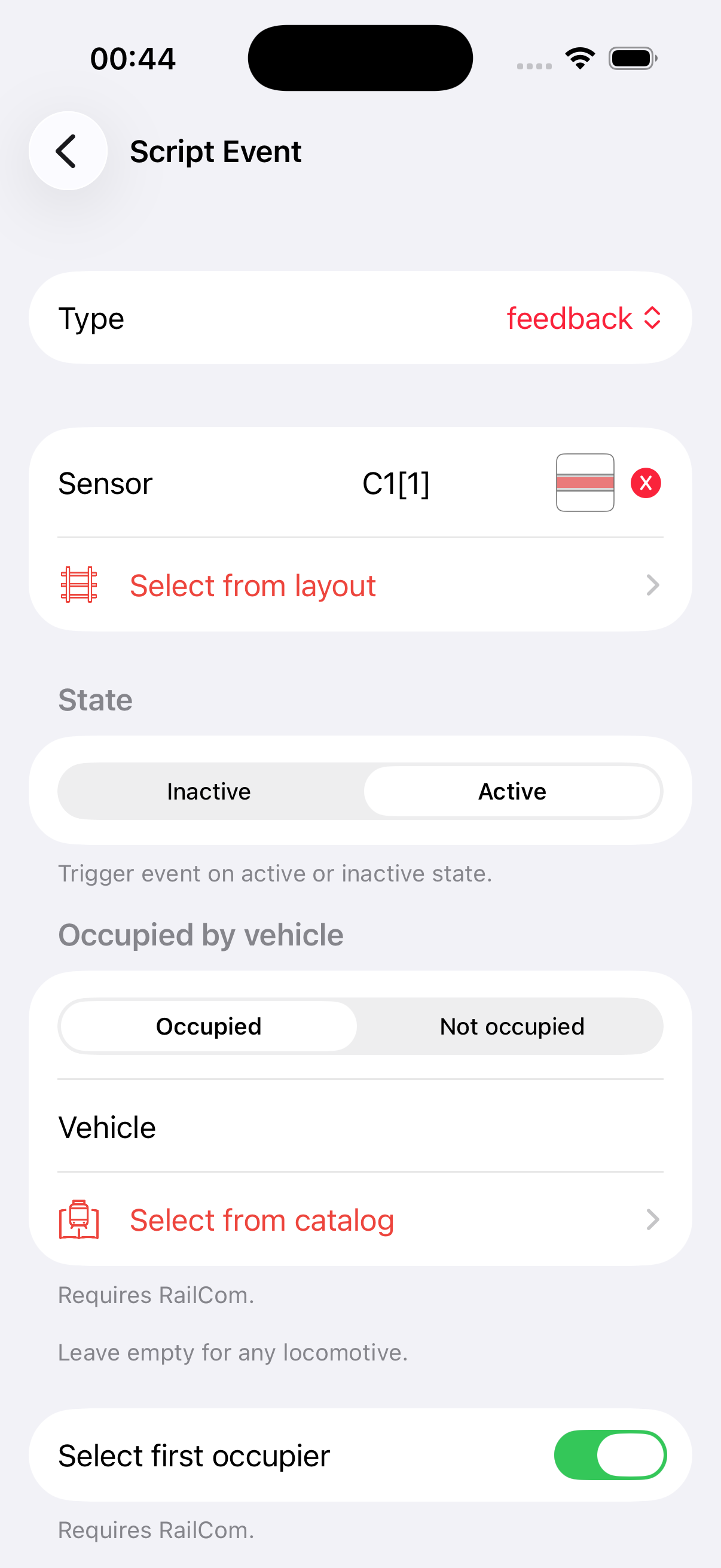
Add an execution event of type feedback and select the sensor in front of signal "S1". Enable Select first occupier — this makes Model Train Script automatically select the detected vehicle when the script runs.
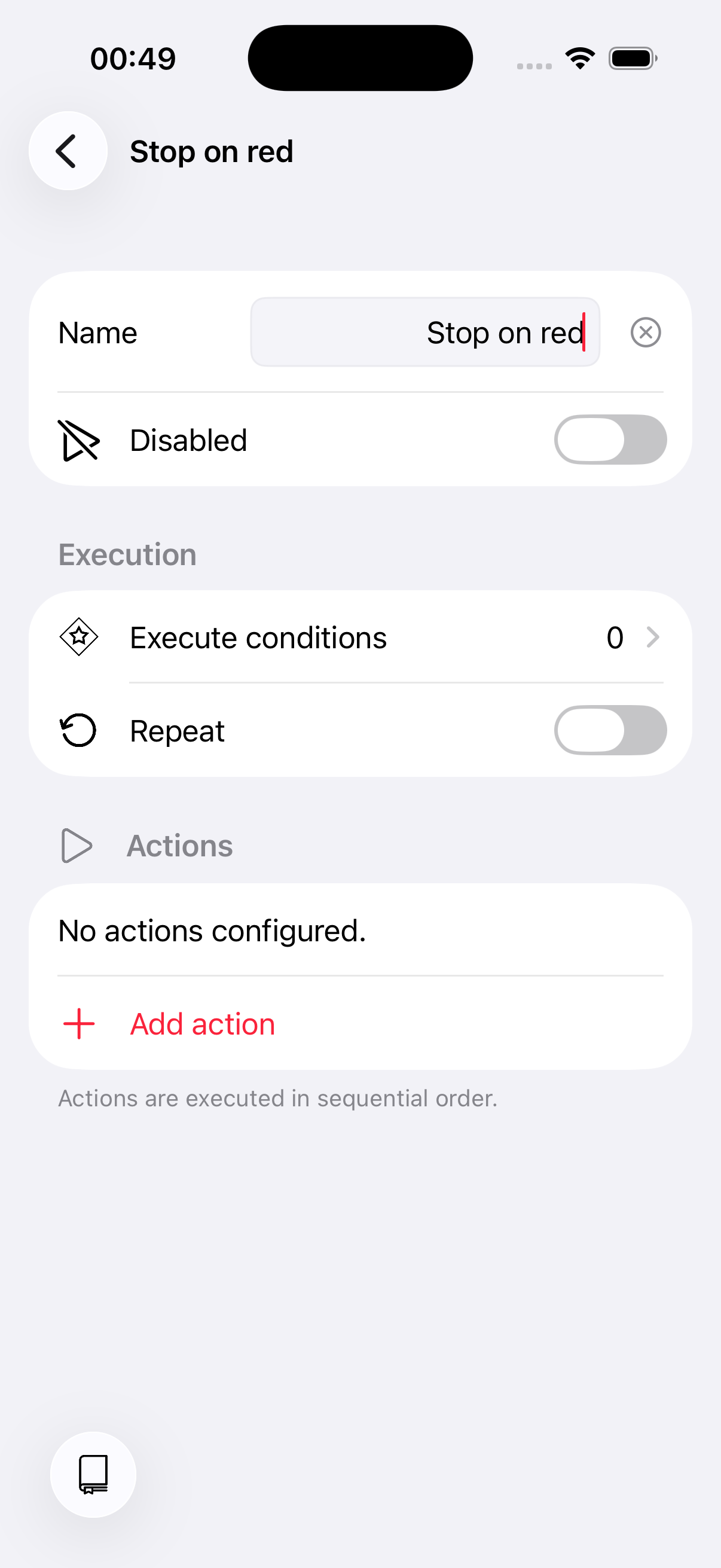
Now set up the script logic. Delete the default section and create a new one called "Stop on red".
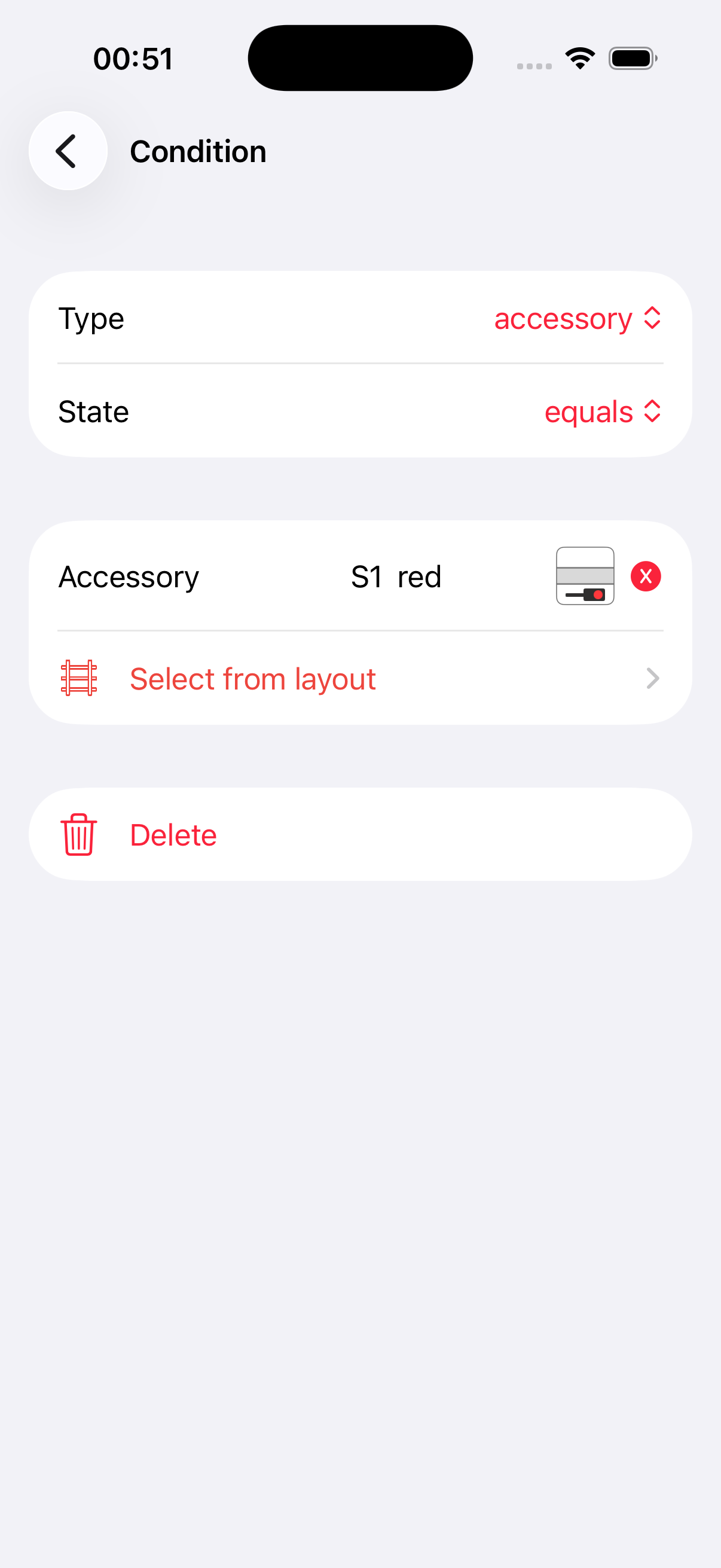
Give the section an execution condition: it should only run when signal "S1" is red. Set the condition type to accessory, select signal "S1", and choose the state "red".
Add a stop action to the section.
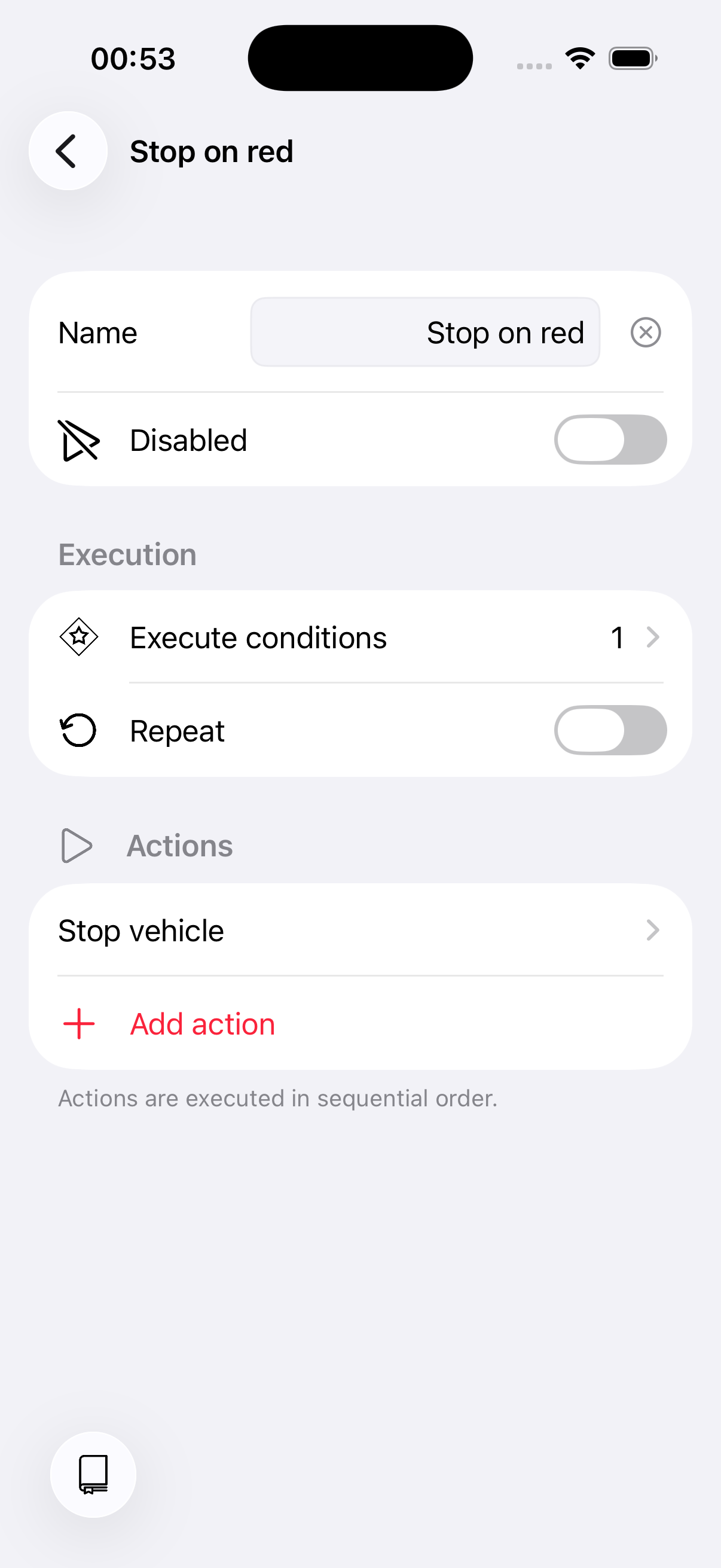
Done! The script triggers whenever a vehicle is detected at the sensor. If signal "S1" is red, the train stops. If the signal is green, nothing happens and the train continues.
3. Ideas for improvement
We kept this tutorial as simple as possible. Here are some ways to extend it:
- Add a yellow signal section — Place the execution condition on the section rather than the script. This way you can add a second section for yellow: slow the train down instead of stopping it.
- Use "Select vehicle from feedback" — Instead of the "Select first occupier" option on the event, you can achieve the same with a dedicated action. This gives you more flexibility in complex scripts.